 My
MyCalendly vs Acuity (2026): meetings or sessions
Both are booking pages, and the two pricing pages describe two different businesses. Calendly is priced per seat, gives one event type away for ever, and sells unlimited event types, reminders and payments for $10 per seat per month on yearly billing. Acuity is priced per calendar, has no free plan, starts at $16 a month annually, and names text reminders, packages, memberships, a waitlist and intake forms on its tiers. This comparison reads both pricing pages, both sign-up or FAQ pages and both Trustpilot listings as of October 10, 2026 and sets the terms side by side. It is a documentation comparison; neither product was used, and the label at the top of every post on this blog says so.
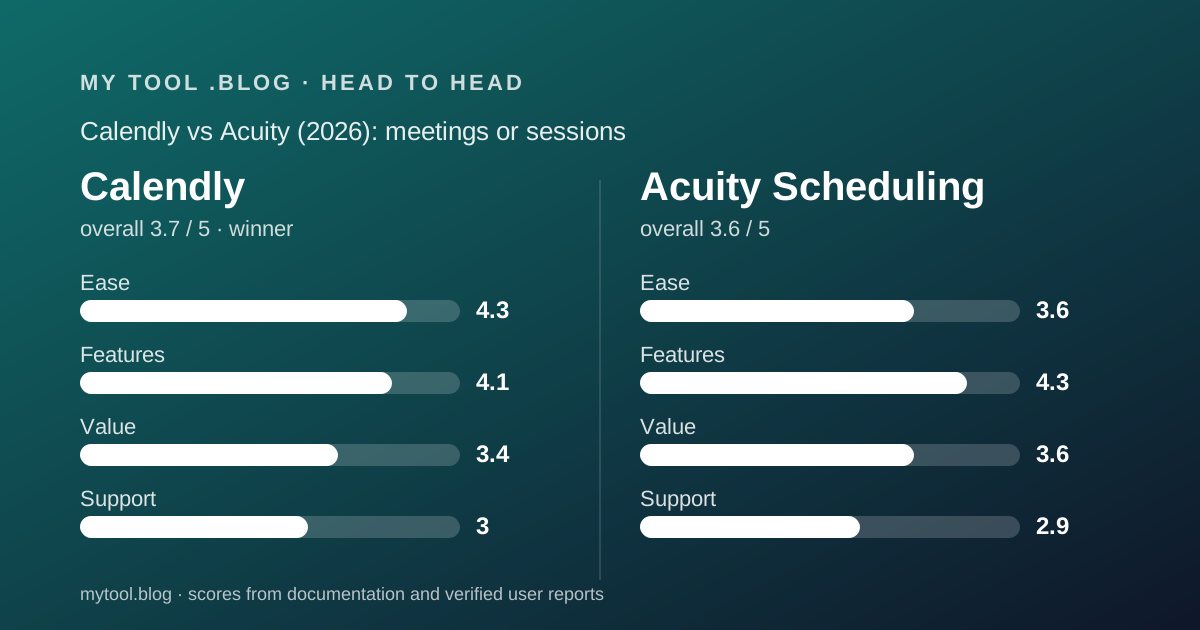
 3.7Calendly
 3.6Acuity Scheduling
The short answer
Calendly is the better price list for a freelancer who books meetings, because one event type is free for ever and the paid step is $10 per seat on yearly billing. Acuity is the better price list for a freelancer who sells sessions, because packages, text reminders, a waitlist and intake forms are printed on its tiers and absent from Calendly's.
- Calendly is best for consultants, designers and anyone whose calendar holds calls and meetings, especially those who need exactly one booking link.
- Acuity is best for coaches, tutors, therapists, photographers and anyone who sells appointments in packages, takes deposits and needs text reminders.
- Winner on this blog's cluster: Calendly, because the free plan and the lower paid step fit more independent workers. Winner for session businesses: Acuity, and not closely. Both are documentation readings as of October 10, 2026, not experience with either product.
Calendly gives the solo case away; Acuity charges from the first calendar
The first difference is whether there is a $0 row, and it decides who should read which review first.
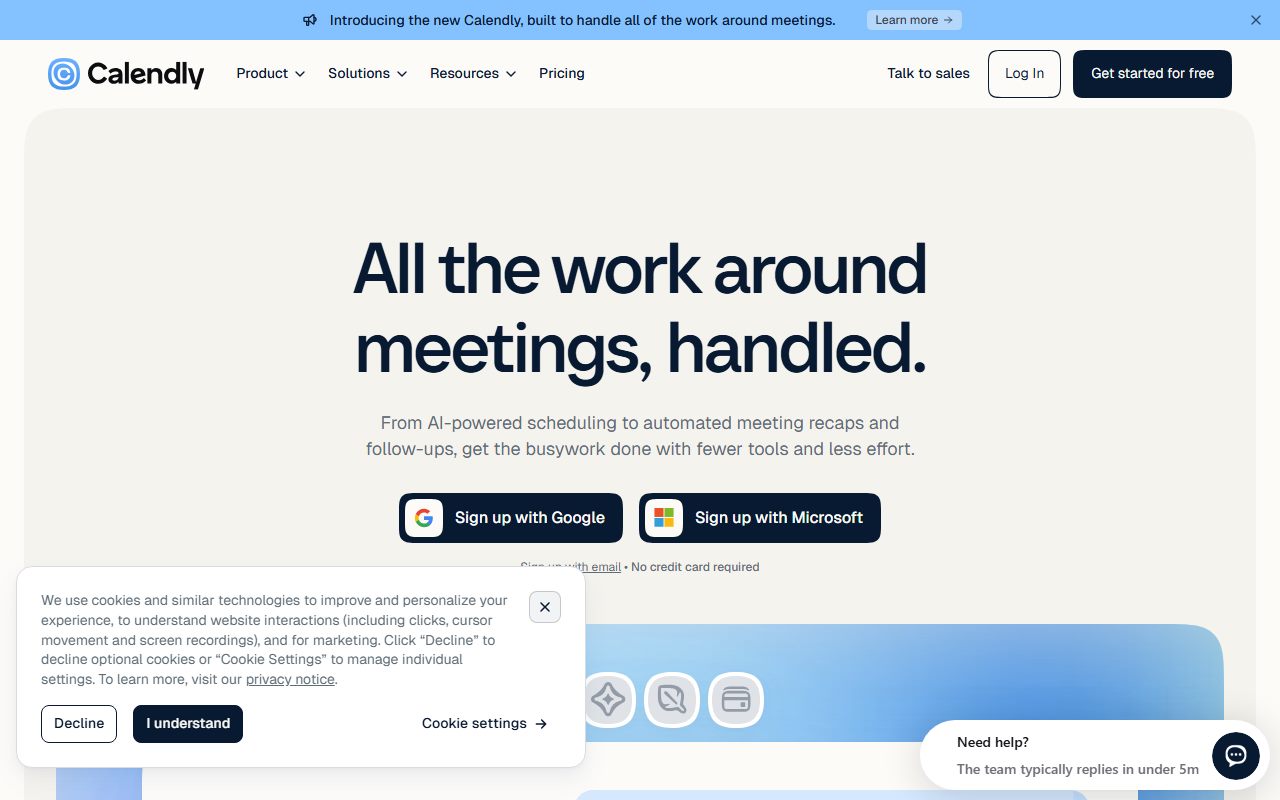
Calendly's pricing page, read October 10, 2026, describes a Free plan as always free with one event type, one calendar connection, one-on-one scheduling, unlimited meetings, a booking page and a browser extension. A freelancer with one kind of call has the whole product at no cost and no expiry.
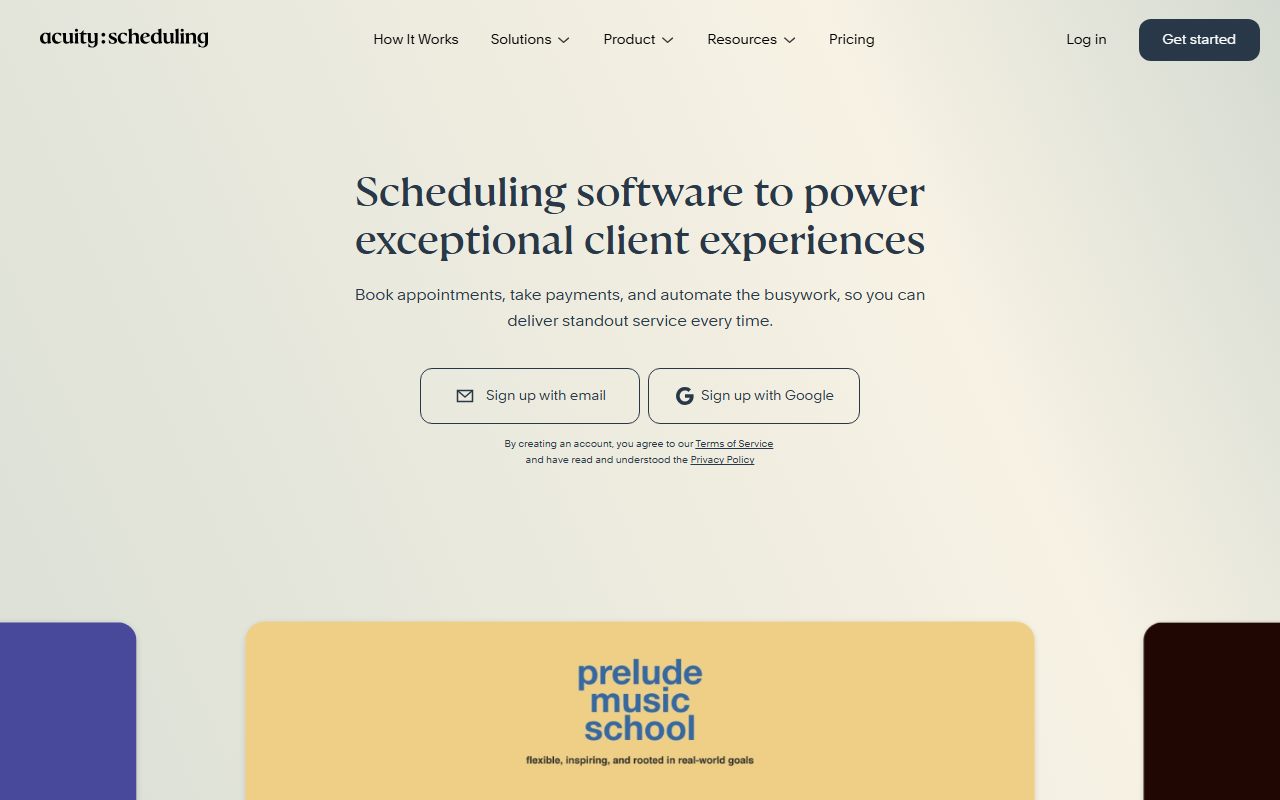
Acuity's pricing FAQ, read the same day, states that Acuity does not offer free scheduling and offers a 7-day trial instead. The cheapest tier is Starter at $16 a month billed annually or $20 monthly, for one calendar.
So the entry prices are $0 against $192 a year by the editors' arithmetic. The Calendly review and the Acuity review each work through what that first dollar buys.
Pricing: Calendly costs less at every tier; Acuity prints both billing prices
Laying the October 10, 2026 figures in a row makes the pattern plain, with one caveat about what rendered.
Calendly showed Standard at $10 per seat per month beside a Save 17% label and Teams at $16 beside Save 20%, under a yearly and monthly billing toggle. The monthly figures did not render on the editors' visit. By editorial arithmetic from the stated savings, monthly billing would be about $12 and $20, but the page did not say so in text and this comparison does not state it as fact.
Acuity printed both numbers for every tier: Starter $16 annually or $20 monthly, Standard $27 or $34, Premium $49 or $61, with a Save 20% label the figures bear out.
For one freelancer on yearly billing: Calendly Standard $120 a year, Acuity Standard $324. For the cheapest paid tier: Calendly $120, Acuity $192. Acuity is more expensive at every step, and Acuity is also the page that tells you exactly what you will pay on monthly billing. What a tool costs besides its price is the list this blog uses for the lines a page leaves out; Calendly's page leaves out more of them.
The unit is different: seats on Calendly, calendars on Acuity
This is the structural difference that matters for a growing freelancer, and both pages are clear about it.
Calendly charges per seat, and a seat is required for anyone who connects a calendar and hosts meetings. Invitees need no seat. A solo freelancer is one seat; a two-person studio is two seats on whatever tier they choose, and round-robin between them requires Teams at $16 per seat yearly, so $384 a year.
Acuity charges per calendar, where a calendar is one staff member or one location. Starter includes one, Standard up to six, Premium up to 36. A two-room studio on Standard pays the same $324 a year as a solo practitioner on Standard, because calendars two through six are included.
So at one person Calendly is cheaper. At three or more hosts on the tier with reminders, the gap narrows: three Calendly Teams seats are $576 a year; three Acuity calendars on Standard are still $324. Acuity's page does not name round-robin, so the comparison holds only if separate calendars per person is what the studio wants.
Features: Acuity names the session business; Calendly names the meeting business
The two feature tables describe different jobs, and the fairest reading is to list what each names that the other does not.
Acuity's page names, on specific tiers: custom intake forms, deposits through four processors, text reminders, an appointment waitlist, packages and memberships, gift certificates, a HIPAA business associate agreement, multiple time zones, logo removal, and an AI booking assistant. Calendly's page mentions none of the first six by name.
Calendly's page names: HubSpot and Mailchimp connections on Standard, Marketo, Pardot and Salesforce on Teams, lead qualification and routing, round-robin and collective scheduling, centrally managed event types, SSO, audit logs and a data deletion API on Enterprise. Acuity's page mentions none of those.
A freelancer can read their business off one of those two lists. If the words are packages, deposits and reminders by text, it is Acuity. If the words are routing, CRM and round-robin, it is Calendly. If the words are one link and one calendar, it is Calendly Free and the comparison ends there.
Trials: Calendly gives 14 days on the top experience; Acuity gives 7
Both vendors publish the trial length, and both ask for no card.
Calendly's sign-up page, read October 10, 2026, offers a free 14-day trial of the Teams Plus experience with no credit card, after which you upgrade or stay on Free. The pricing page asks what happens at the end of the trial but its answer did not render for the editors.
Acuity's pricing FAQ offers a 7-day free trial with no credit card, states that you are not charged until you choose a plan, and notes that the annual option is switched on in account settings after the trial.
Two weeks against one is the difference between seeing a reminder sequence complete and not. For Acuity in particular, whose Standard tier earns its price through packages and text reminders, seven days is short to see a package sold. How to decide to cancel a tool you already pay for is the test to apply at the first renewal if the trial did not settle it.
Payments: both collect, neither prints the fee
This is the one place the two pages fail in the same way.
Calendly's page lists Stripe and PayPal payments from Standard. Acuity's lists Stripe, Square, PayPal and Venmo on every tier, which is more processors and a lower entry point for deposits. Neither page prints the processor's rate, and neither says whether the scheduling tool adds a platform fee of its own above it.
For a session business that collects every booking by card, the fee matters more than the subscription. The editors could not reach an Acuity help-centre fee article on October 10, 2026, and found no Calendly fee statement on its pricing page. Ask both in writing before relying on either, and compare the answer to the fee tables Wave and FreshBooks print on their pricing pages, which is the standard this blog holds vendors to.
Support: neither page describes it, and the reviews lean towards Calendly
Support is scored on written commitments, and neither vendor makes any below the top tier.
Calendly's pricing page describes onboarding and a dedicated account team on Enterprise only. Acuity's FAQ states there are no support fees and lists VIP account management on Enterprise. Neither names a channel, hours or a response target for the tiers a freelancer would buy.
Trustpilot fills some of the gap. Calendly's reviewers praise live agents and criticise the chatbot that delays reaching one. Acuity's reviewers describe support as slow, AI-first and drawn out over repeated emails, with migration problems since the move to Squarespace accounts. Both have positive reports too. On the sample, Calendly's support picture is the less bad of two undescribed offerings, and its score is 3.0 to Acuity's 2.9 for that reason only.
What verified users report: Calendly higher but more polarised
On October 10, 2026, Trustpilot listed 696 reviews for calendly.com with a TrustScore of 4.1, 273 in the past twelve months, split 56 percent five-star and 30 percent one-star. The same day it listed 676 reviews for acuityscheduling.com with a TrustScore of 3.6, 606 in the past twelve months, split 43 percent five-star and 18 percent one-star.
Two things stand out. Acuity's sample is far more recent, with nine in ten reviews from the last year, and its complaints are about the product and the migration: time-zone errors, a clunky calendar view, calendars falling out of sync, login lockouts. Calendly's complaints are mostly about support and billing: the chatbot, unexpected charges, spam invitations.
For a buyer the difference matters. A support complaint is a cost of the bad day; a time-zone error is a cost of every day a client books the wrong slot. On that reading Acuity's lower score is the more worrying one, and the editors say so while noting that neither product was used here.
Choose Calendly if, choose Acuity if
Conditions rather than conclusions, read from the October 10, 2026 pages.
- Choose Calendly if you book one kind of meeting from one calendar. The Free plan is the whole product at $0 with no expiry.
- Choose Calendly if you need several event types, reminders and a payment on booking for one person, at $120 a year on yearly billing, a third of Acuity Standard.
- Choose Calendly if your clients already expect its links, or if routing and CRM delivery matter to a small agency.
- Choose Acuity if you sell sessions in packages, since packages, memberships and gift certificates are named on Standard and absent from Calendly's page.
- Choose Acuity if missed appointments are your problem, because text reminders and a waitlist are named on Standard.
- Choose Acuity if you need intake forms, deposits through Square or Venmo, or a HIPAA BAA, none of which Calendly's page names.
- Choose Acuity if you run three or more staff calendars, where its per-calendar pricing undercuts Calendly's per-seat pricing.
Frequently asked
Short answers, each from the pages read October 10, 2026.
- Which is cheaper, Calendly or Acuity? Calendly, at every tier for one person: $0 against $192 a year at the bottom, $120 against $324 for the tier with reminders and payments.
- Which has a free plan? Calendly, for one event type and one calendar. Acuity has none; its FAQ says so and offers a 7-day trial.
- Which sends text reminders? Acuity names text reminders on Standard and Premium. Calendly's pricing page does not mention SMS or text on any plan.
- Which handles packages and memberships? Acuity, named on Standard. Calendly's page does not mention them.
- Can I switch from one to the other? Neither page describes an importer from the other. Cal.com's page lists a Calendly import, which is the only migration tool named in this cluster; see the Cal.com review.
Bottom line
On published terms as of October 10, 2026, Calendly is the price list for meetings: a free plan that covers one link for ever, a $10 per seat paid step on yearly billing, and the CRM and routing features a small agency grows into. Its costs are a monthly price that did not render, a payment fee that is not printed, and a page that names no SMS, packages or forms.
Acuity is the price list for sessions: intake forms, deposits, text reminders, a waitlist and packages all named on specific tiers, priced per calendar so that a studio does not pay per person. Its costs are no free plan, a $27 real entry price for the useful tier, a 7-day trial, an unprinted fee schedule and the weakest recent review picture of the three tools this blog read.
If neither fits, Cal.com gives unlimited event types and SMS away at $0 and is the third option in the best scheduling tools for freelancers. Whichever you choose, write the renewal price on a calendar before the trial ends, and ask for the payment fee in writing. There is no affiliate link on this page and no commission attached to it.
Visit Calendly
We have no affiliate relationship with this vendor. Link goes to the official site.
Visit Acuity Scheduling
We have no affiliate relationship with this vendor. Link goes to the official site.